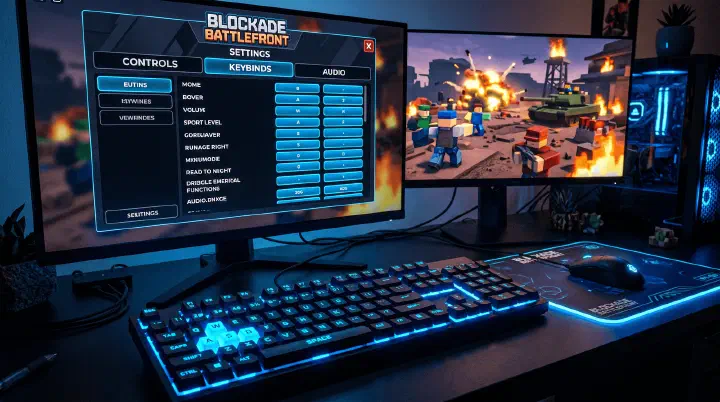
Best BBF Settings, Controls & Keybinds — Optimize Your Gameplay (2026)
PC Keybinds: Default vs Optimized The default BBF keybinds put critical actions on keys that require moving your hand off WASD. Here’s what to change: Action Default Optimized Why Titan Shop Q Mouse Button 4 or F Buy Titans without releasing movement keys Titan Ability 1 1 Mouse Button 5 Instant activation, no reaching Titan Ability 2 2 R R is unused in BBF, right next to WASD Interact E E (keep) Already perfect Sprint Left Shift Left Shift (keep) Standard across games Map M Tab Tab is faster to glance at than M Ping Middle Mouse Middle Mouse (keep) Standard Why Move Titan Shop Off Q Q is the worst key for the most-used action in the game. You buy Titans constantly — during waves, between waves, while repositioning. Every time you press Q, your ring finger leaves A, you stop strafing left, and for 0.5 seconds you’re a stationary target. Moving it to a mouse button means you buy while maintaining full WASD movement. ...